
How to implement Databricks Delta Live Tables in three easy steps?
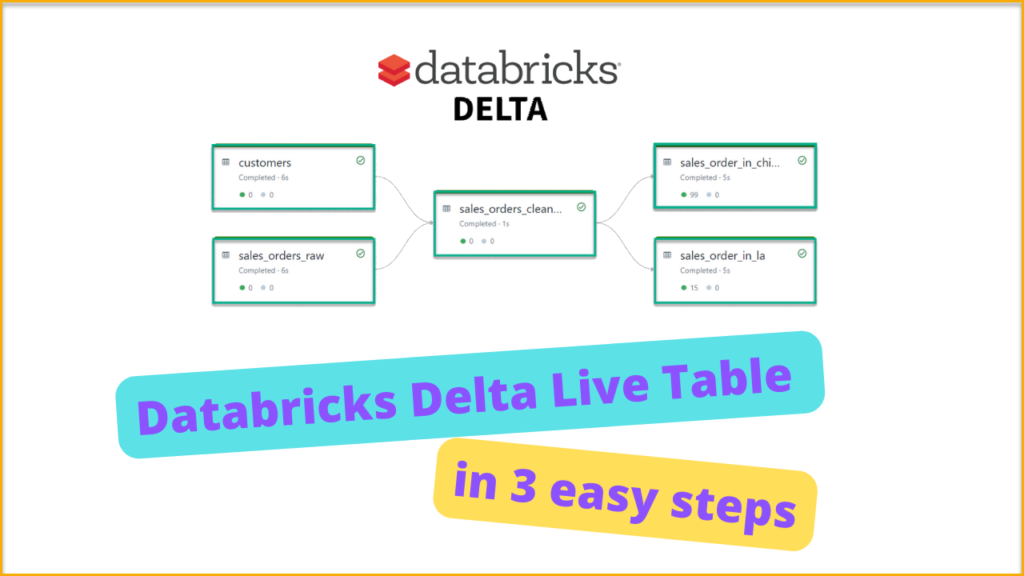
This is part two of a series of blogs for Databricks Delta Live tables.In part one of the blog we have discussed the basic concepts and terminology related to Databricks Delta Live tables. In this blog, we will learn how to implement Databricks Delta Live Table in three easy steps.
Why the Databricks Delta Live tables are the next big thing?

In this blog, I have discussed the Databricks Lakehouse platform and its Architecture. What are the challenges involved in building the data pipelines and how Databricks Delta Live Table solves them?
How Delta live table offers ease of development and treats your data as a code. With Delta Live tables now, you can build reliable maintenance-free pipelines with excellent workflow capabilities.
We will learn the different concepts and terminology used in Delta Live tables and its unique monitoring capabilities.
How to use Lineage, Insights and Monitoring in Microsoft Purview?
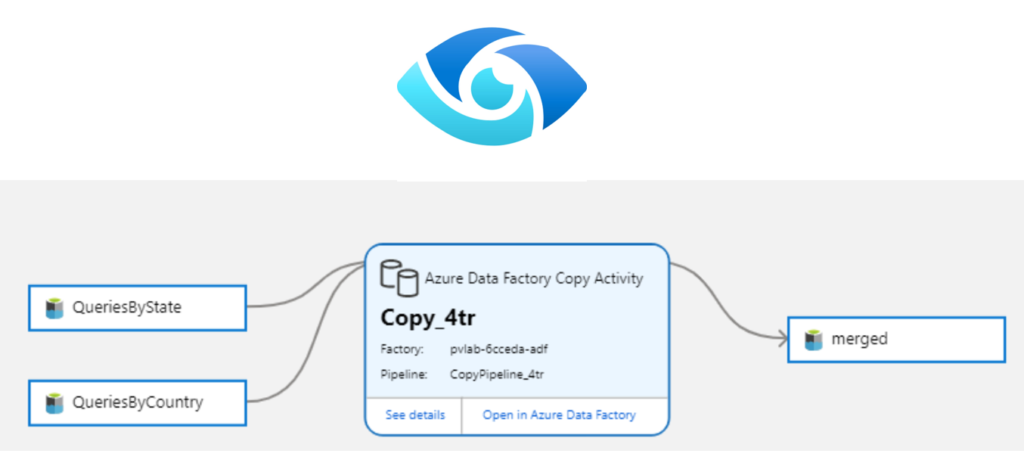
In this blog, I have discussed how to implement lineage, insights (reporting), and monitoring capabilities in Microsoft Purview.
First, we will understand what Lineage is and why it is important. Then, we will understand Purview’s insights capabilities and how purview provides the unique capabilities of reporting for Assets, Scans, Glossary, classification, and Sensitivity Labels.
Finally, we will gain knowledge on why it is important to monitor the purview environment and how to monitor it based on best practices.
How to use Search, Glossary and classification in Microsoft Purview?
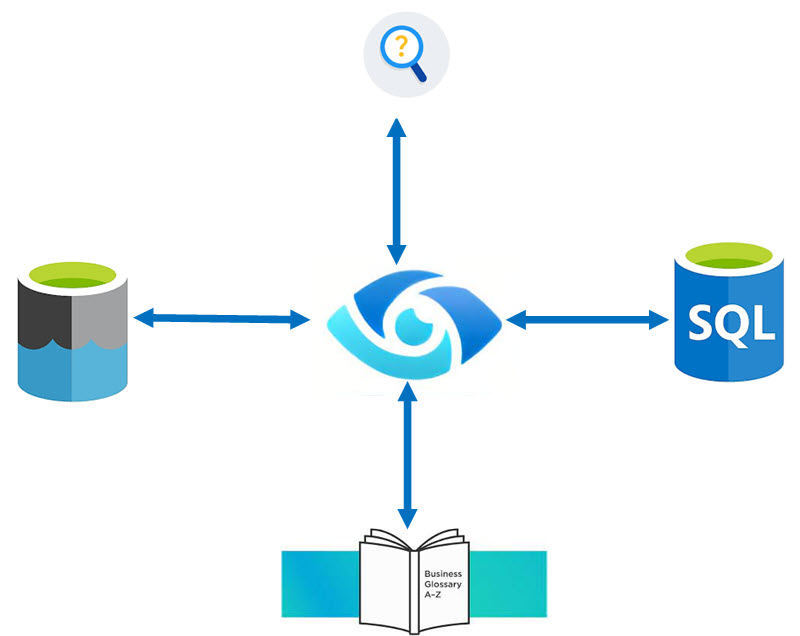
In this blog we have discussed Microsoft Purview Search, Glossary and classification capabilities with three demo scenarios.
How to register and scan ADLS Gen2 and Azure SQL Database in Microsoft Purview?
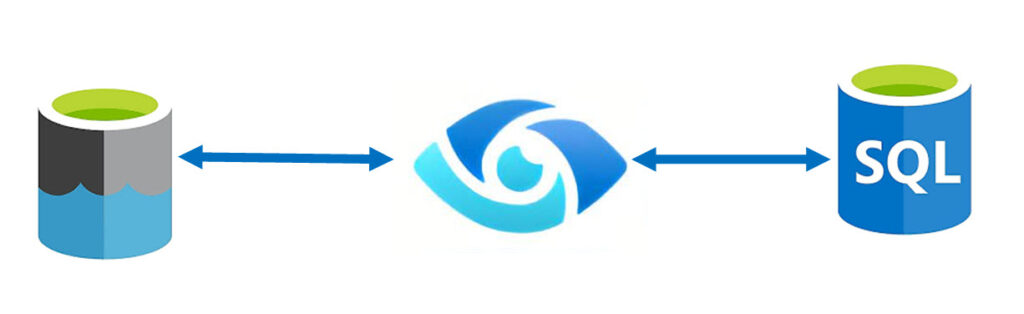
In this blog we will learn how to register and scan ADLS Gen 2 and Azure SQL Database in Microsoft Purview
How to deploy multi-container application to Azure Kubernetes Services?
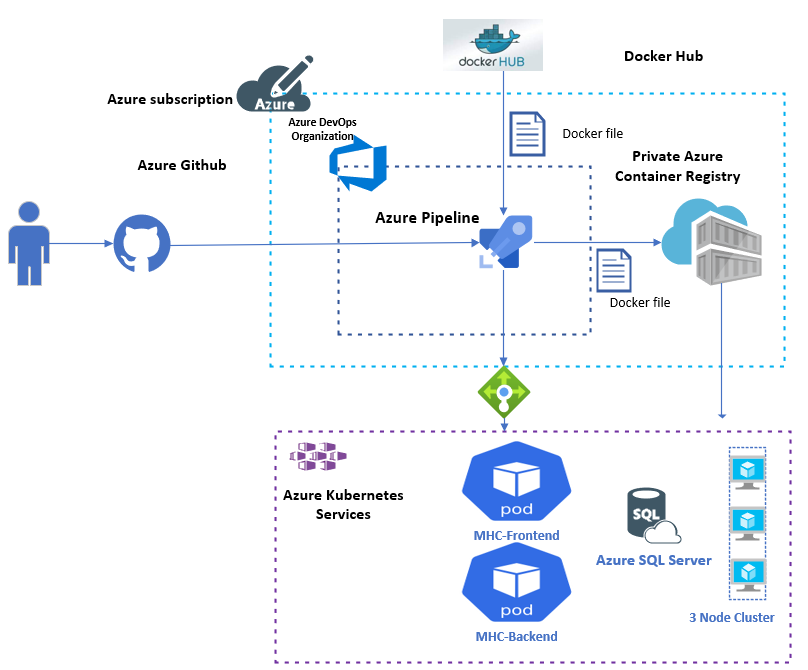
Azure Kubernetes Services is the fastest way to use Kubernetes on Azure. Azure Kubernetes Service (AKS) manages the hosted Kubernetes environment, making it easy to deploy and manage containerized applications without requiring any container orchestration expertise. It also improves the agility, scalability, and availability of your containerized workloads. Azure DevOps streamlines AKS operations by providing continuous build and deployment capabilities.
In this blog, we will use Azure DevOps to deploy a containerized ASP.NET Core web application to an AKS cluster. The steps used in this blog can be used to deploy any application to AKS. The entire end-to-end demo is available in the video link provided in the blog.
Building and pushing container images to Azure Container Registry

When you want to develop and implement the container application in Azure. The first and foremost step you would execute is to build the images and push them into the Azure Container registry. In this article, I will explain how to achieve this objective.
How to integrate Azure Container registry With Azure Kubernetes Services in three easy steps?

In any large-scale implementation of AKS (Azure Kubernetes Services), we need to use an image repository to store container images securely. So whenever you want to deploy the images on the Kubernetes cluster you will deploy the images stored in the image repository. In this article, we will learn how to integrate the Azure-based image repository called Azure Container Registry(ACR) with Azure Kubernetes Services(AKS) in the most simple manner.
Building and pushing Docker images to Azure Container Registry with Azure DevOps Pipelines.
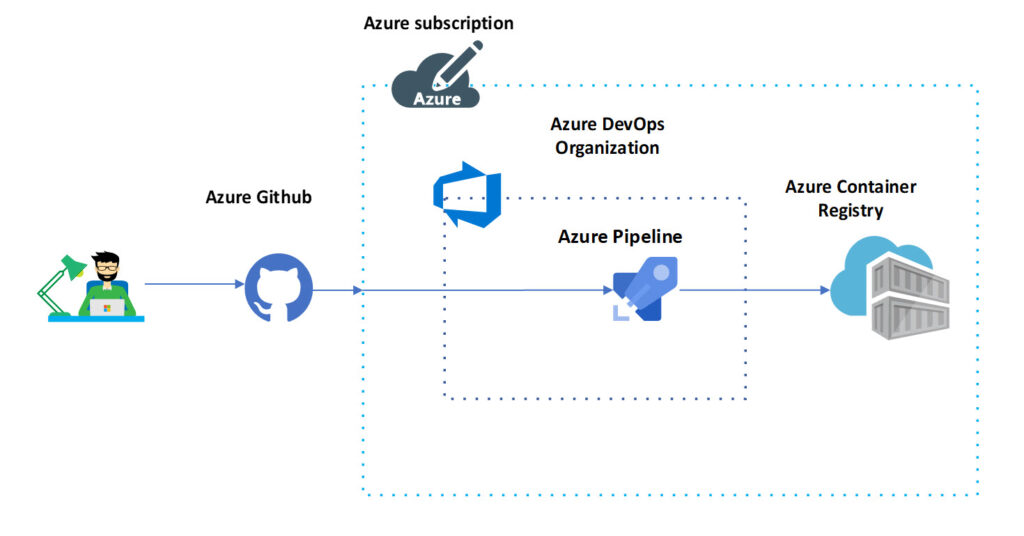
When it comes to DevOps Docker is an integral part of it. Nowadays no development can be done without the help of docker. In this article, we will discuss how can we use Azure DevOps Pipeline to build and push images to the Azure container registry.
Designing secure access to Azure Services
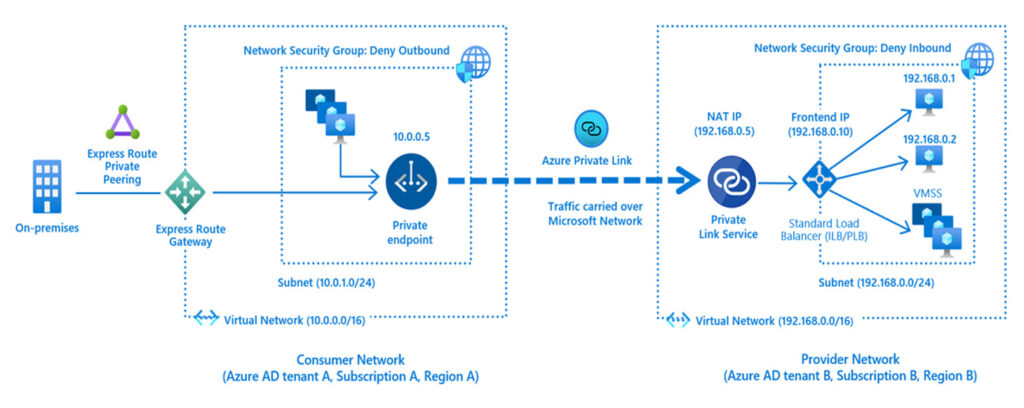
This blog discusses Azure security design and consideration for securing access to Azure Services.